in the middle of implement a core feature Suddenlyyou get You've hit your limit
Search a function. You get a 5 slightly differentcopy
Even I did not write the codeNow I have to OWNit
Developers are losing control of Claude Code
Bill, climbing
Architecture, getting messier
New features in big projects, running in
The codebase, growing like a snowball rolling downhill
BoxClaude puts you back in control
Define exactly what Claude Code can see. Nothing more.
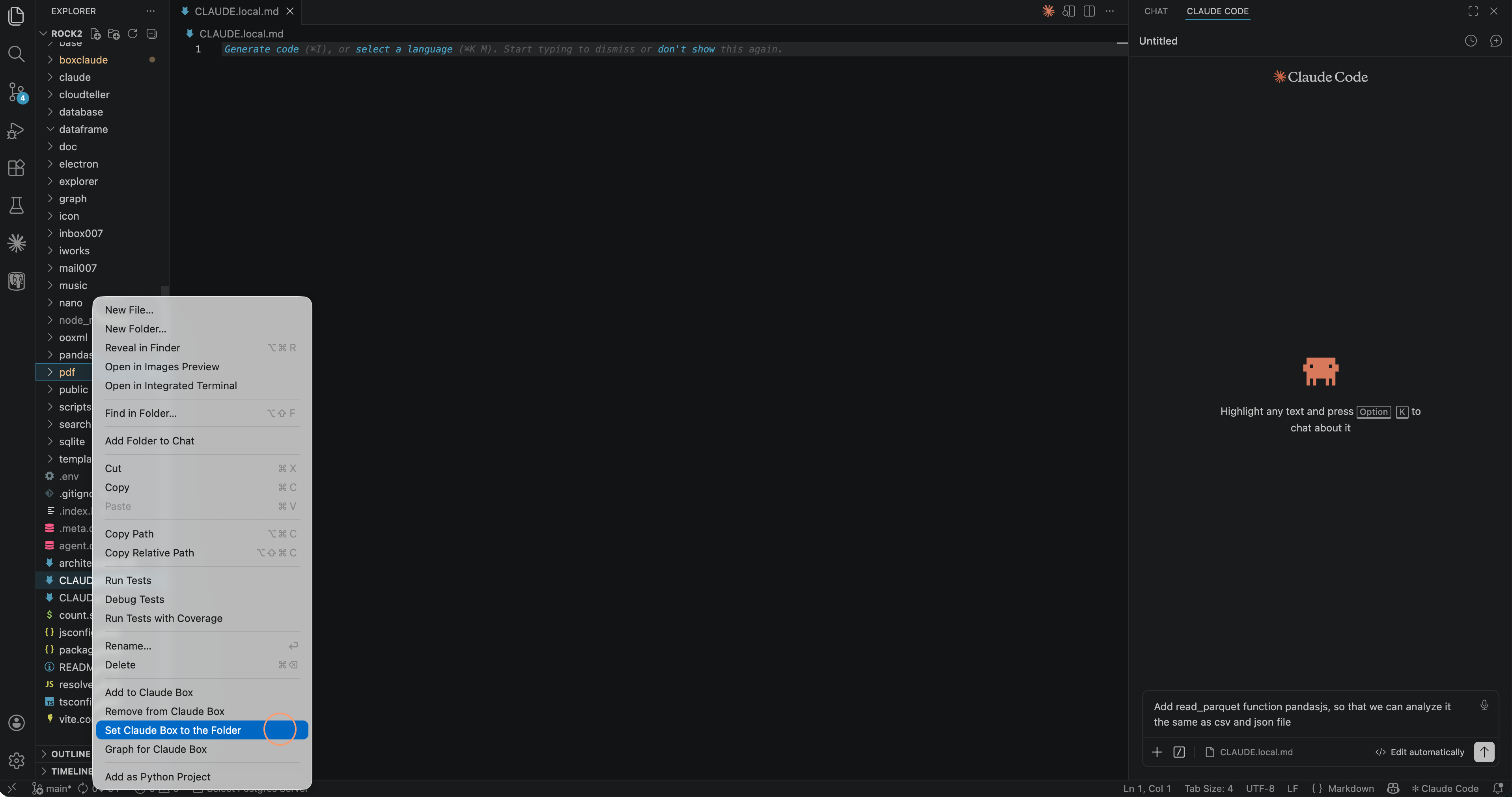
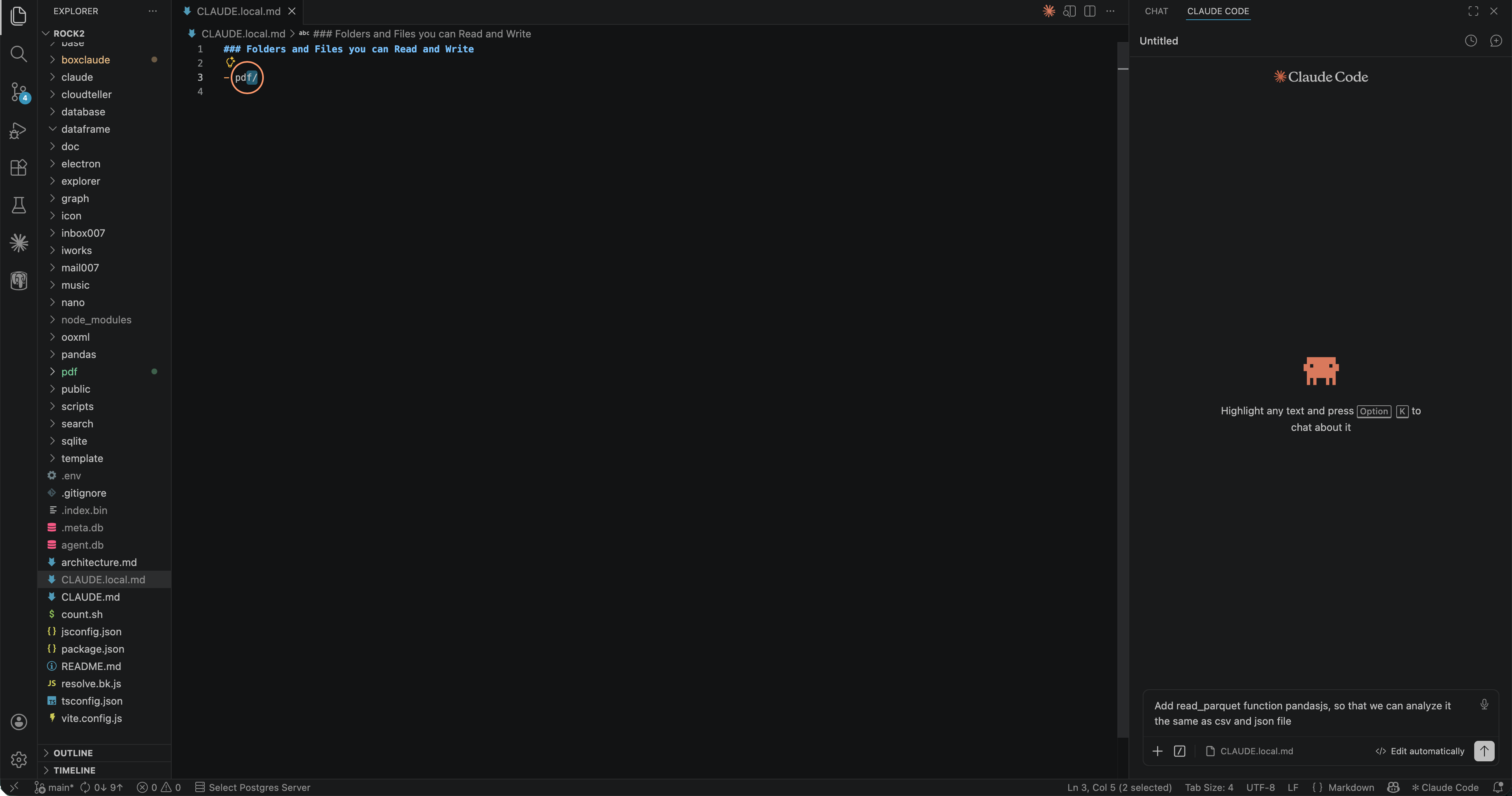
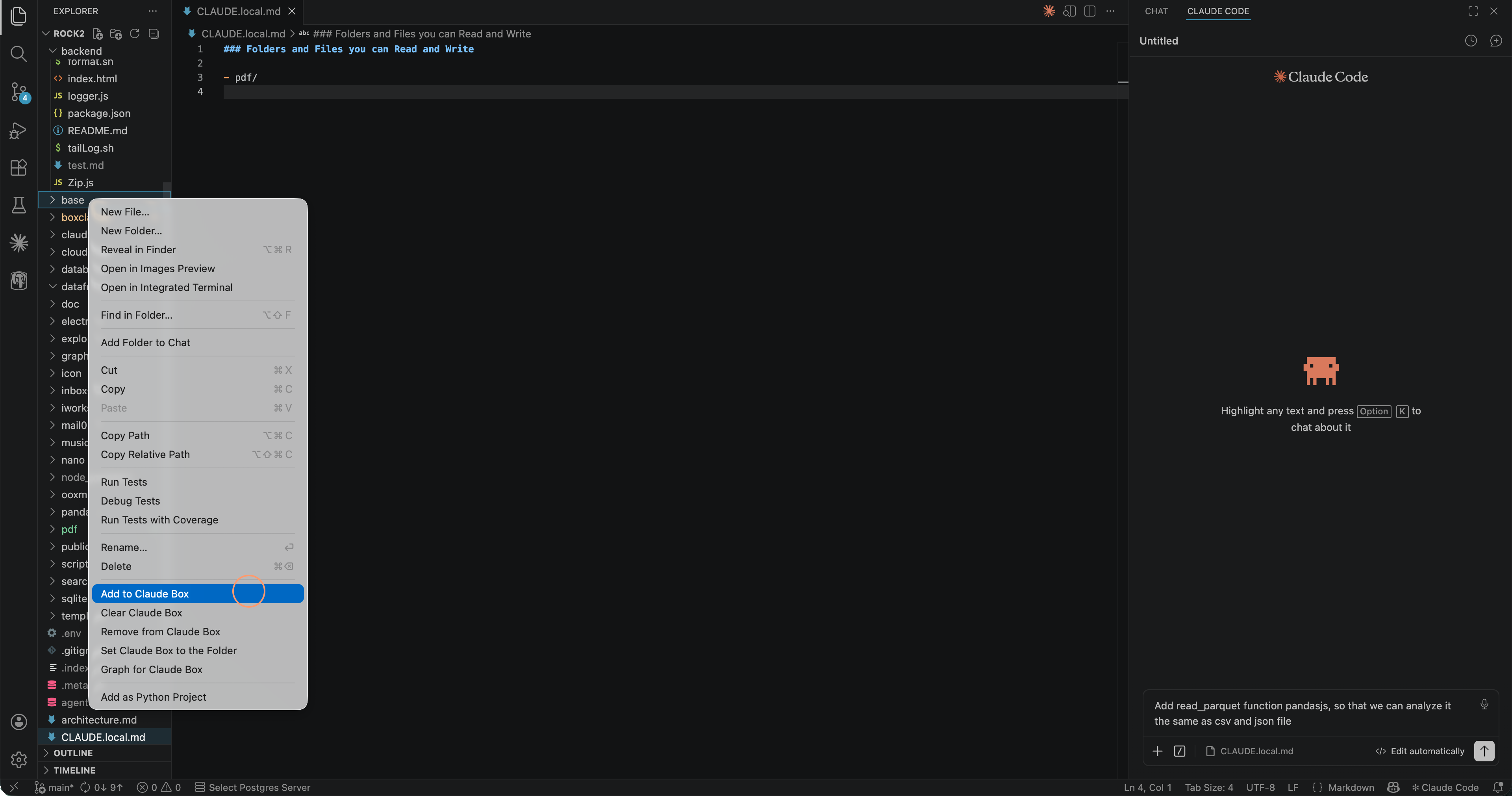
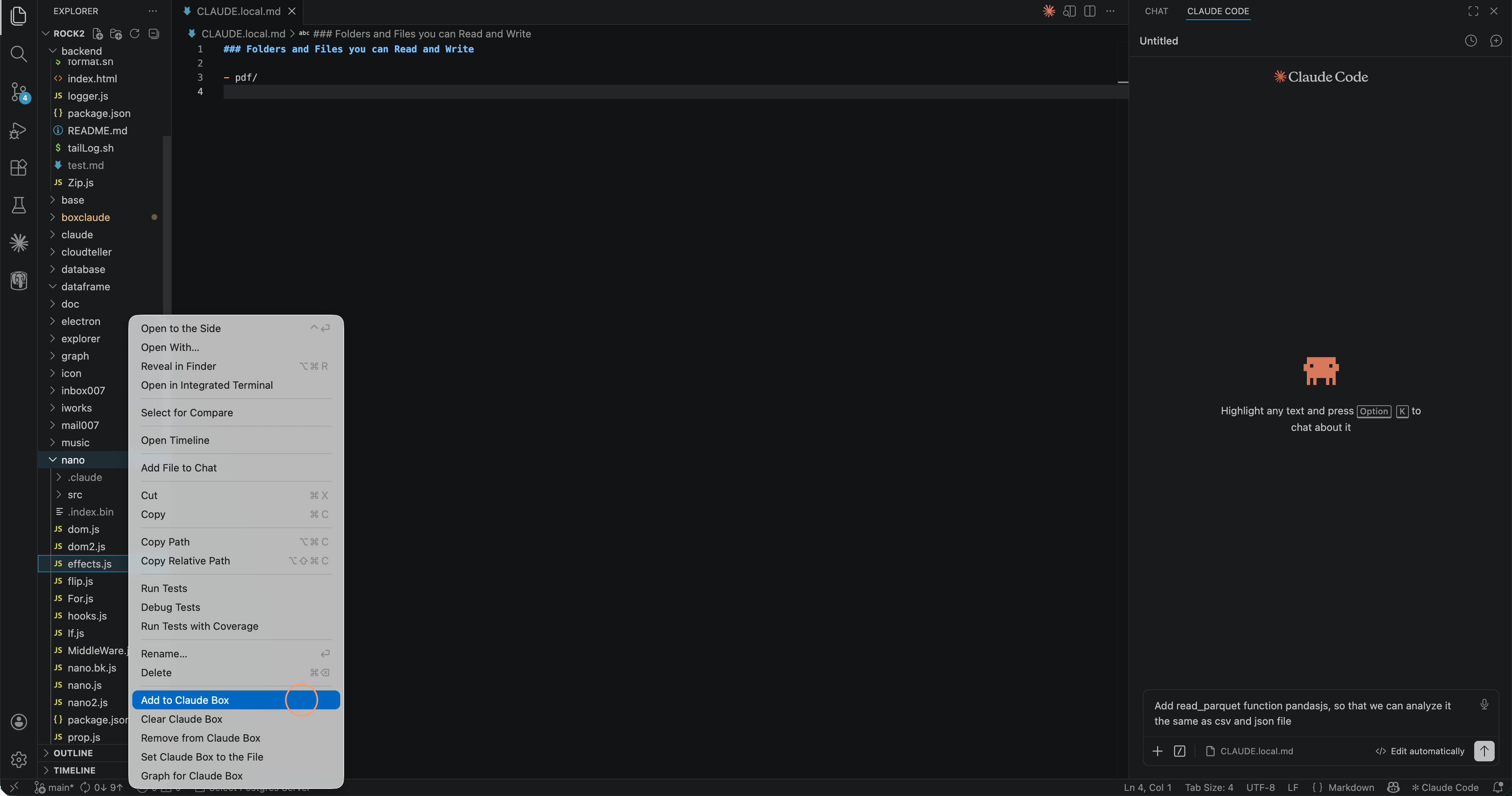
Everything you need to stay in control
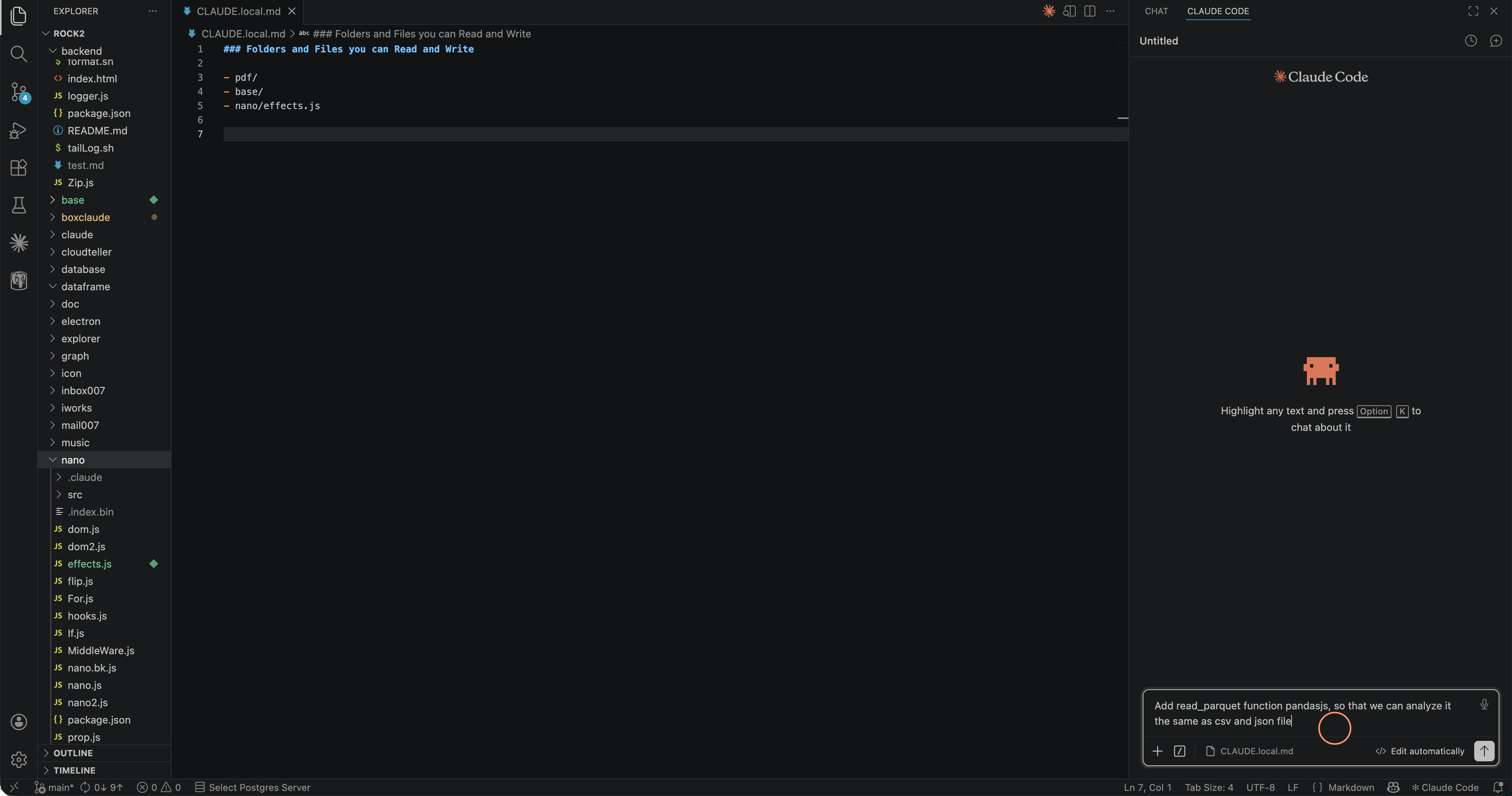
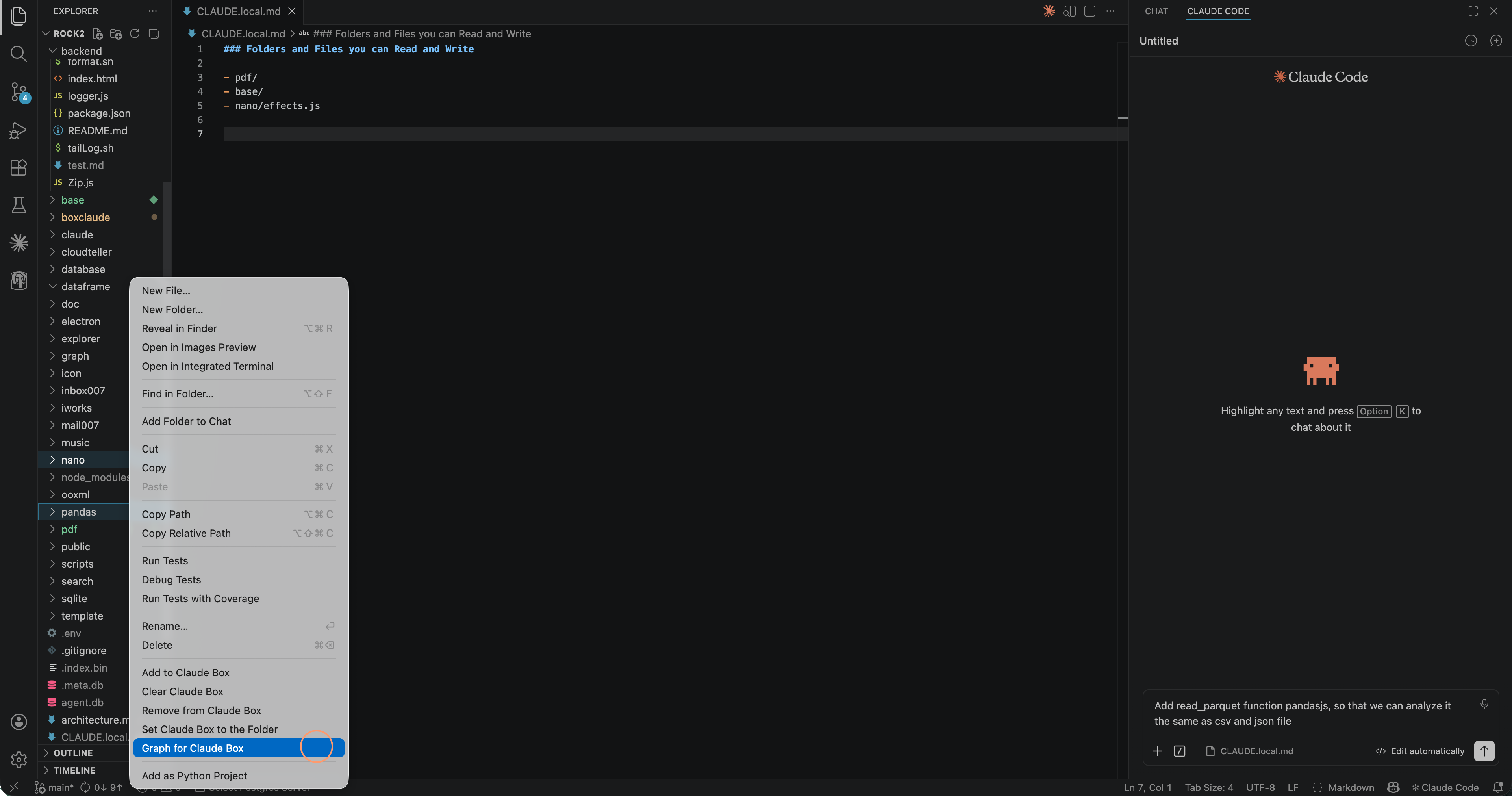
Box by folder or file
Set your scope at any granularity — an entire module, a handful of files, or one single source file.
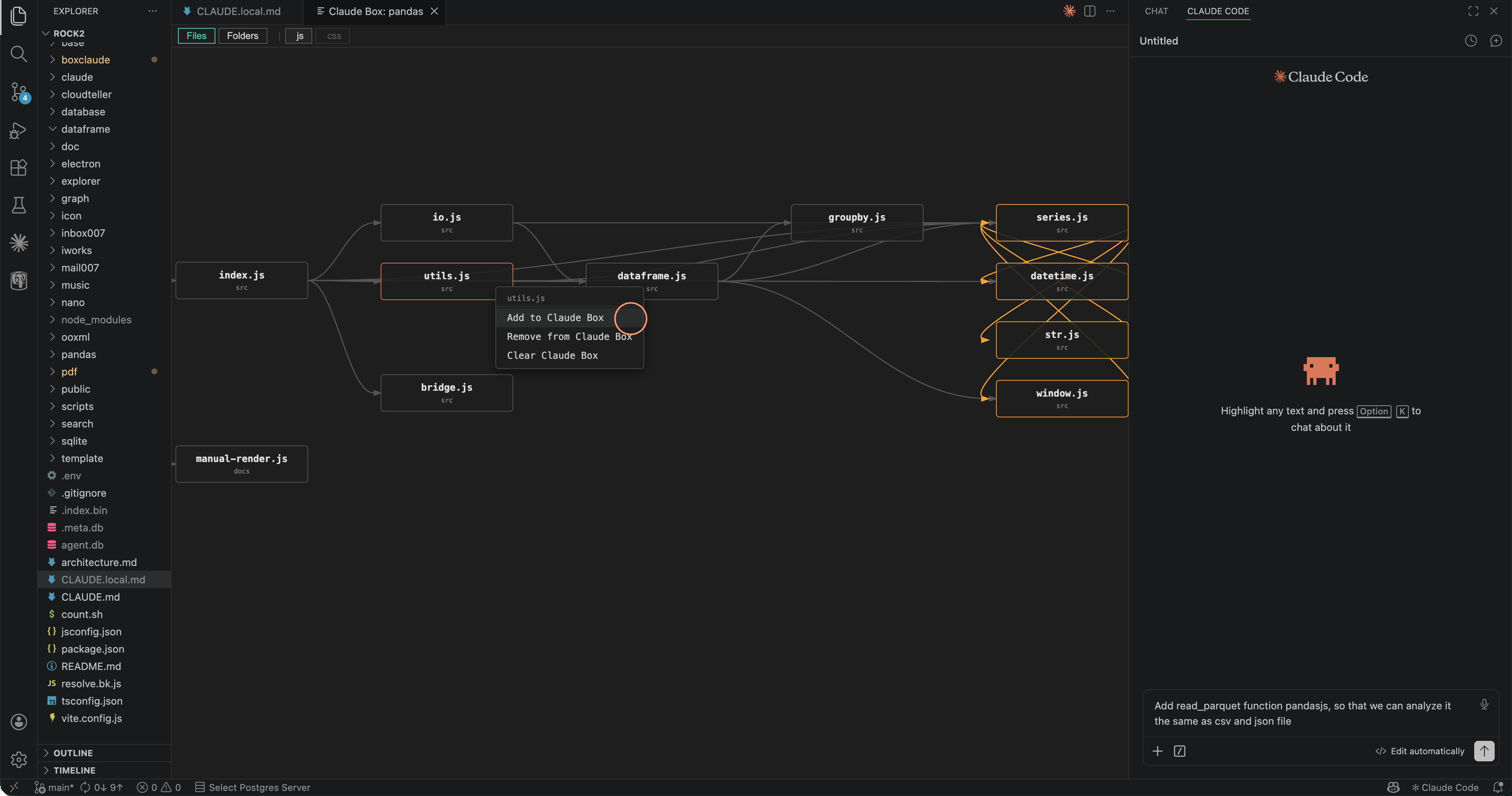
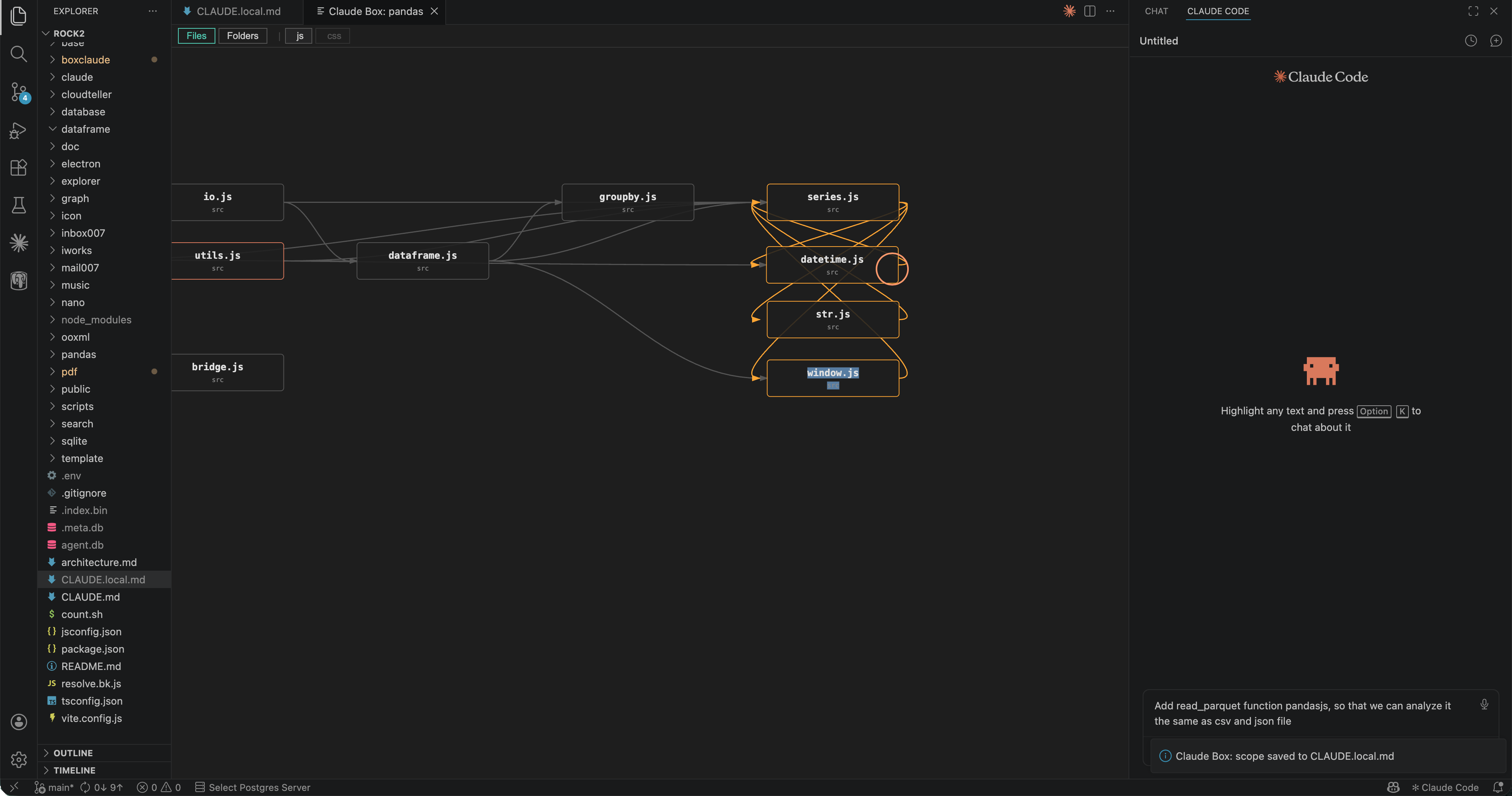
Dependency graph
Visualize folder and file-level import relationships as an interactive graph. Pan, zoom, explore before you decide what Claude sees.
Call hierarchy
Inspect function-level call chains within your codebase. Understand who calls what before Claude starts editing.
Cyclic dependency detection
Cycles are highlighted in red using DFS coloring. Understand your architecture before Claude starts editing.
Multi-agent support
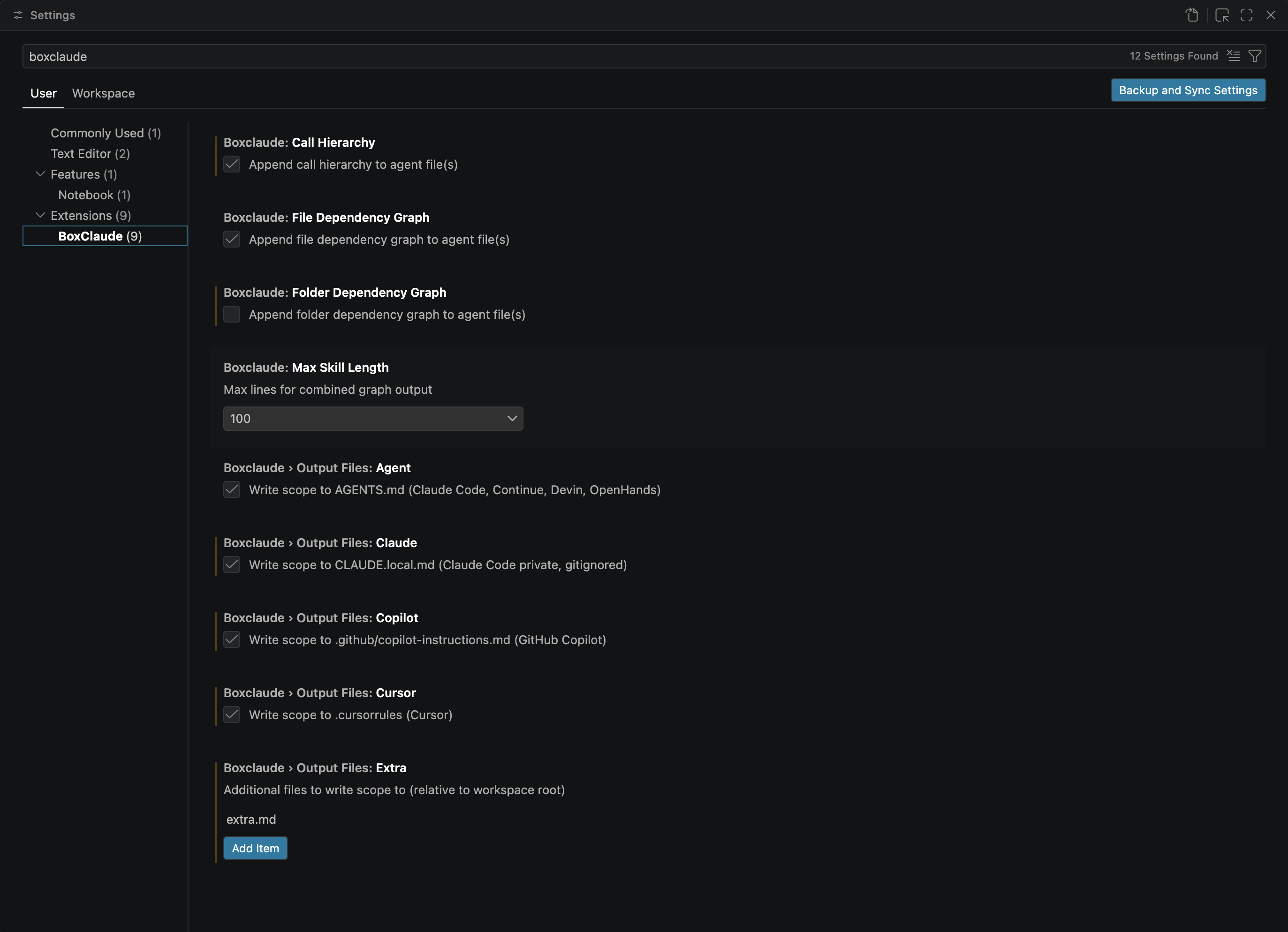
Write scope to any agent file: AGENTS.md (Claude Code, Continue, Devin, OpenHands), .cursorrules (Cursor), or Copilot instructions. Configure targets in the Target Agents panel.
Context menu integration
Right-click any file or folder in the VSCode Explorer. Add, remove, or reset your Box in one click.
Locate in Graph
Right-click any file in the Explorer and jump straight to its node in the open graph. The viewport pans and the node is highlighted.
Smart folder exclusion
System and package directories (node_modules, .venv, __pycache__, venv, target, vendor, Pods…) are excluded by default. Add custom exclusions via settings.
Get started in seconds
VSCode Marketplace
Search BoxClaude in the Extensions panel, or run in the Command Palette:
ext install RockieYang.BoxClaudeStop inheriting the mess. Own the code.
BoxClaude scopes Claude to exactly what you're working on — nothing it didn't need to touch.
Install BoxClaude — FreeFree · VSCode Extension